Registering with 'Out and About'
Step-by-step guide to create an account and start sharing your location safely.
Overview
Registration is done inside the mobile app. The steps below describe what you'll be asked for and how to confirm your account. If you prefer, you can also register from the web if a web registration endpoint is available in future releases.
Quick steps
- Install the app — get the Android app from Google Play and open it.
- Select to set permissions — this app needs access to your GPS location, the ability to send SMS messages, and notification permissions to work correctly. You will be asked to setup those permissions.
- Select the country you wish to SMS with — choose which country you want to send SMS messages to.
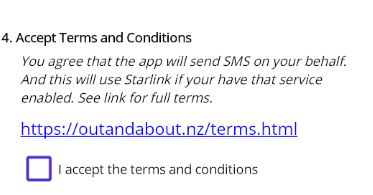
- Accept Terms and Conditions — read the terms and conditions and accept.
- Register — press the 'Register' button. A SMS will be sent to Out And About you will be registered.
- Run the App — you will now be able to run the app which will only send messages when you press the Start button.
Detailed walkthrough
Launch the app without being registered will open the registration page ...
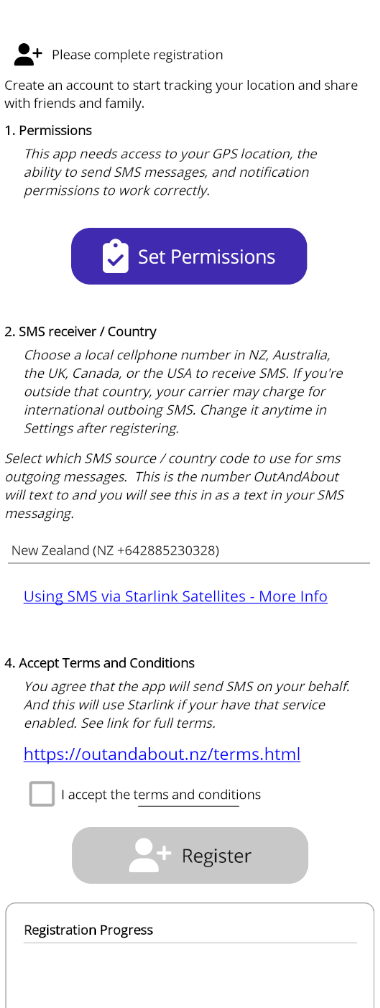
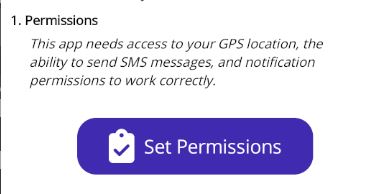
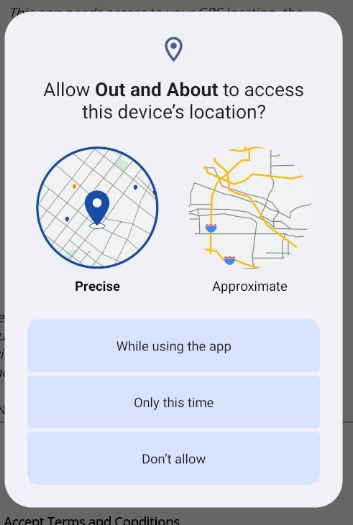
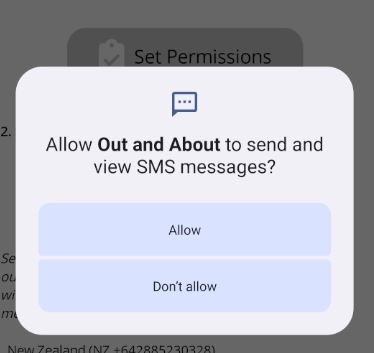
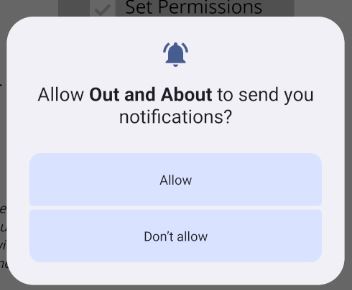
To use Out And About you will need to allow permissions of Location and SMS and Notifications.
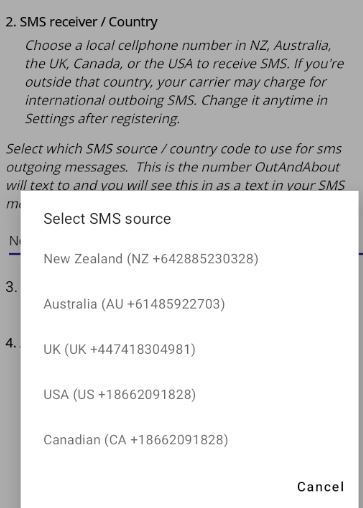
Choose which country you want to send SMS messages to - it should be the same country as the one that you have your provider with or you may pay extra charges.
The countries that this is registered with are New Zealand, Australia, UK, Canada, USA.
If you have Starlink you can be sending your location by SMS while you are off the grid. You never need to be off grid. Starlink is usually an extra to your normal service.

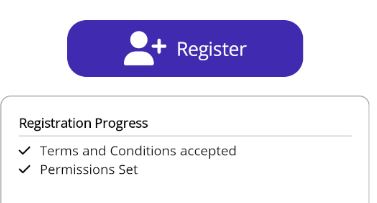
Press the 'Register' button to add yourself to Out and About.
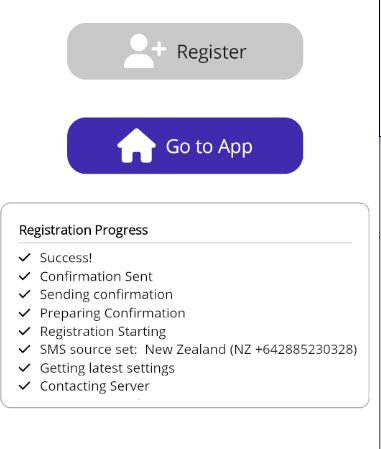
Troubleshooting
- Unable to send SMS to Out and About - try selecting a SMS number in your country.
- Unable to receive Confirmation. Make sure you are not in Airplane Mode.
Quick steps
- Install the app — get the iOS app from the App Store and open it.
- Select to set permissions — this app needs access to your GPS location and notification permissions to work correctly. You will be asked to allow those.
- Select the country to send the SMS registration SMS to — choose which country you want to send SMS messages to.
- Accept Terms and Conditions — read the terms and conditions and accept.
- Register — press the 'Register' button. A SMS will be sent to Out And About and you will be registered.
- Send Register SMSA SMS will be sent to Out And About and you will be registered.
- Run the App — you will now be able to run the app which will send data when tracking by pressing the Start button.
Detailed walkthrough
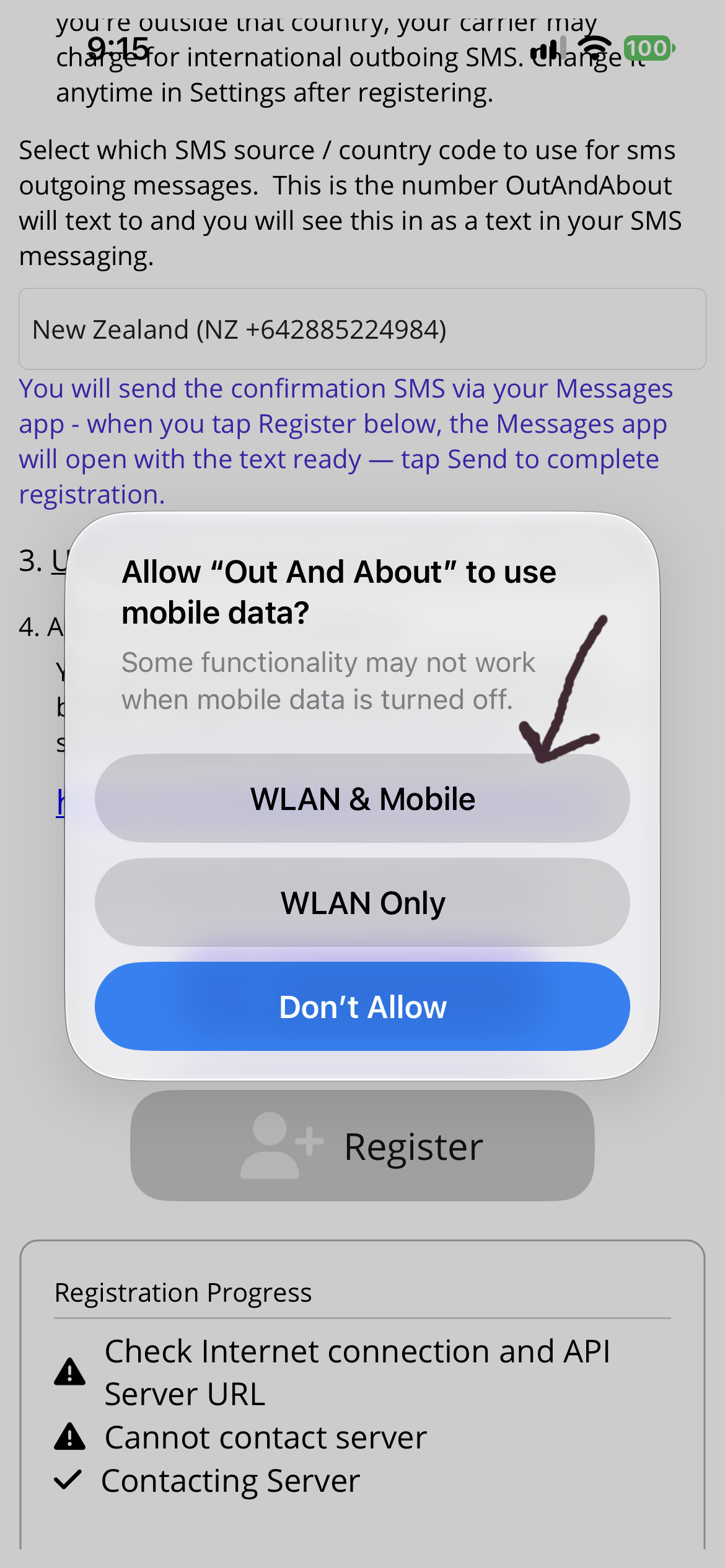
Launch the app without being registered will open the registration page ...It may ask for network permissions - Allow WLAN & Mobile.
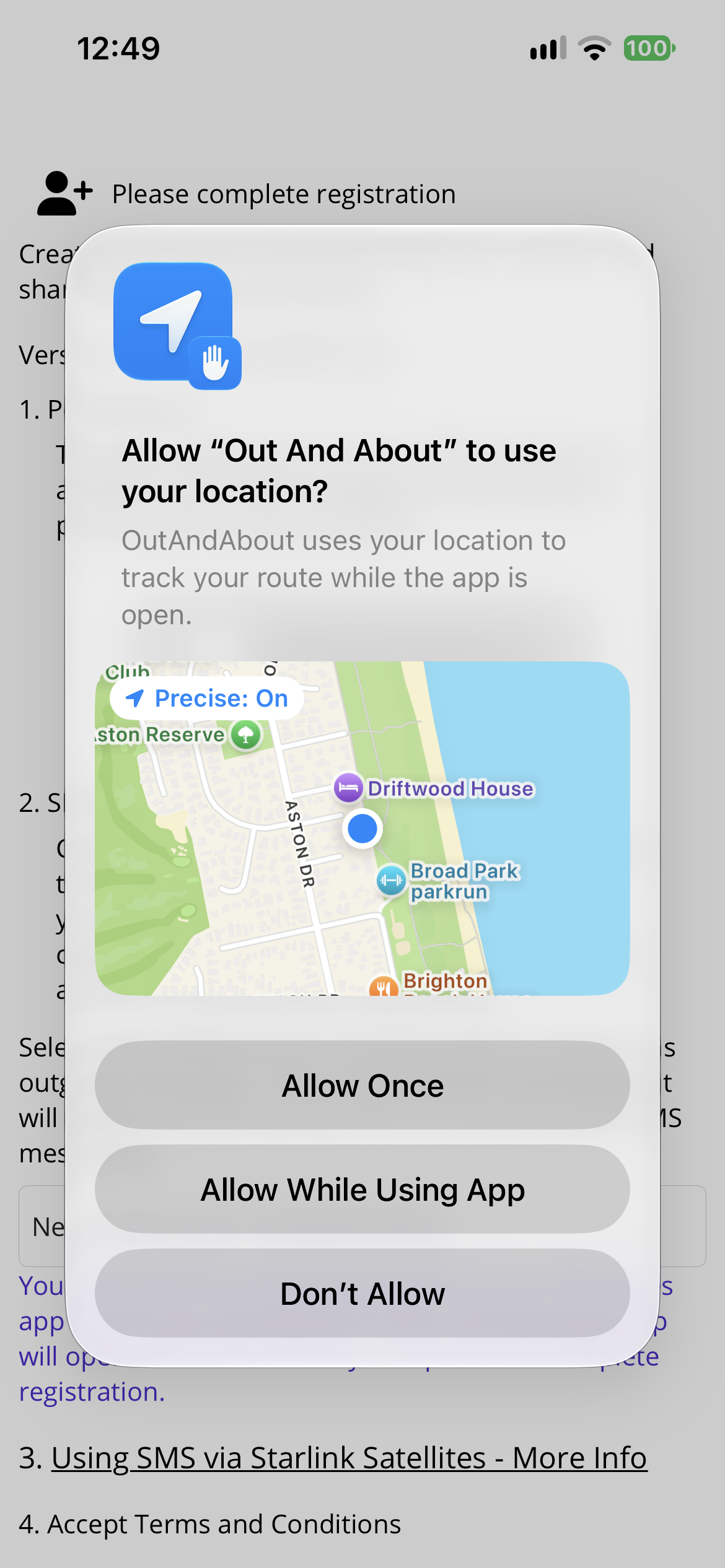
To use Out And About you will need to allow permissions of Location and Notifications.
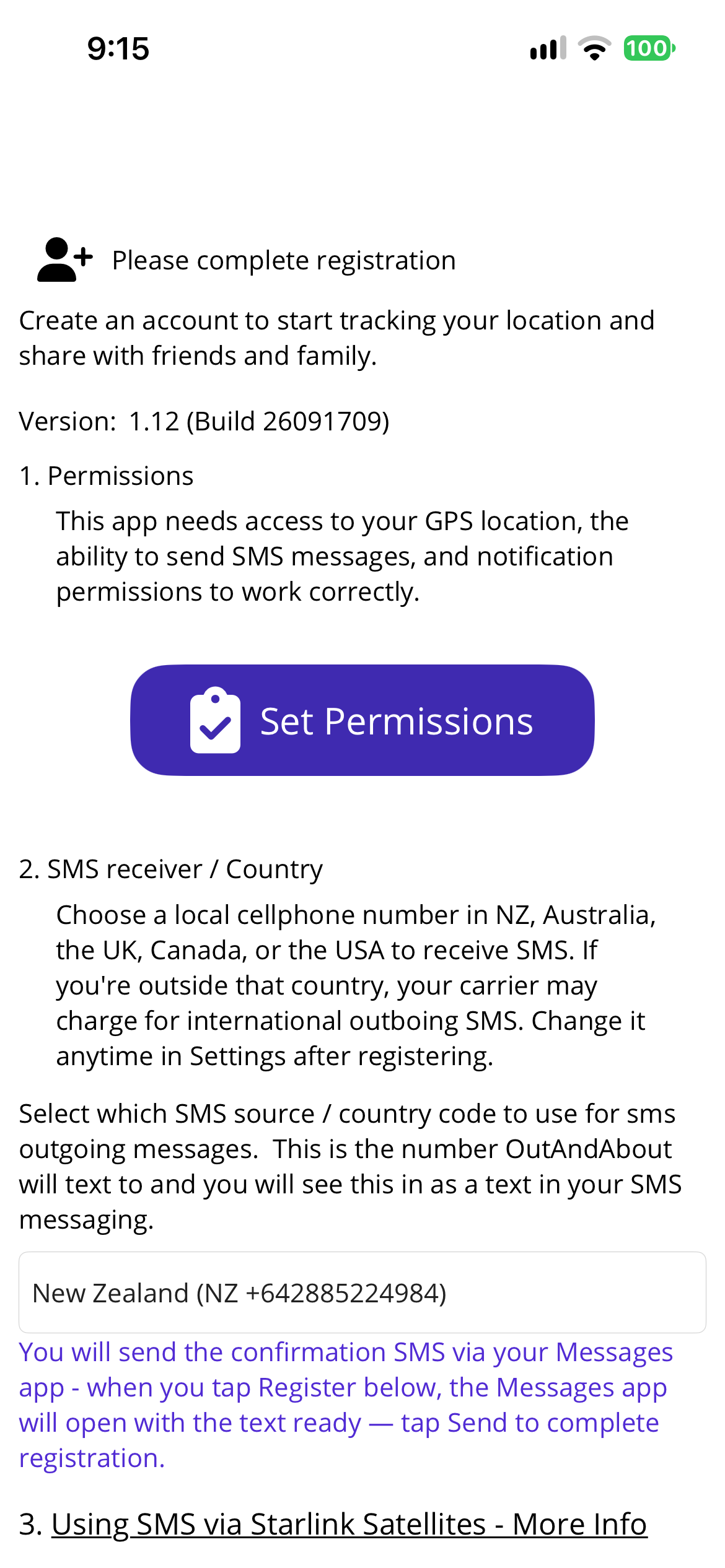
Choose which country you want to send SMS messages to - it should be the same country as the one that you have your provider with or you may pay extra charges.
The countries that this is registered with are New Zealand, Australia, UK, Canada, USA. In New Zealand select the New Zealand number, in Australia select the Australian number, and so on.
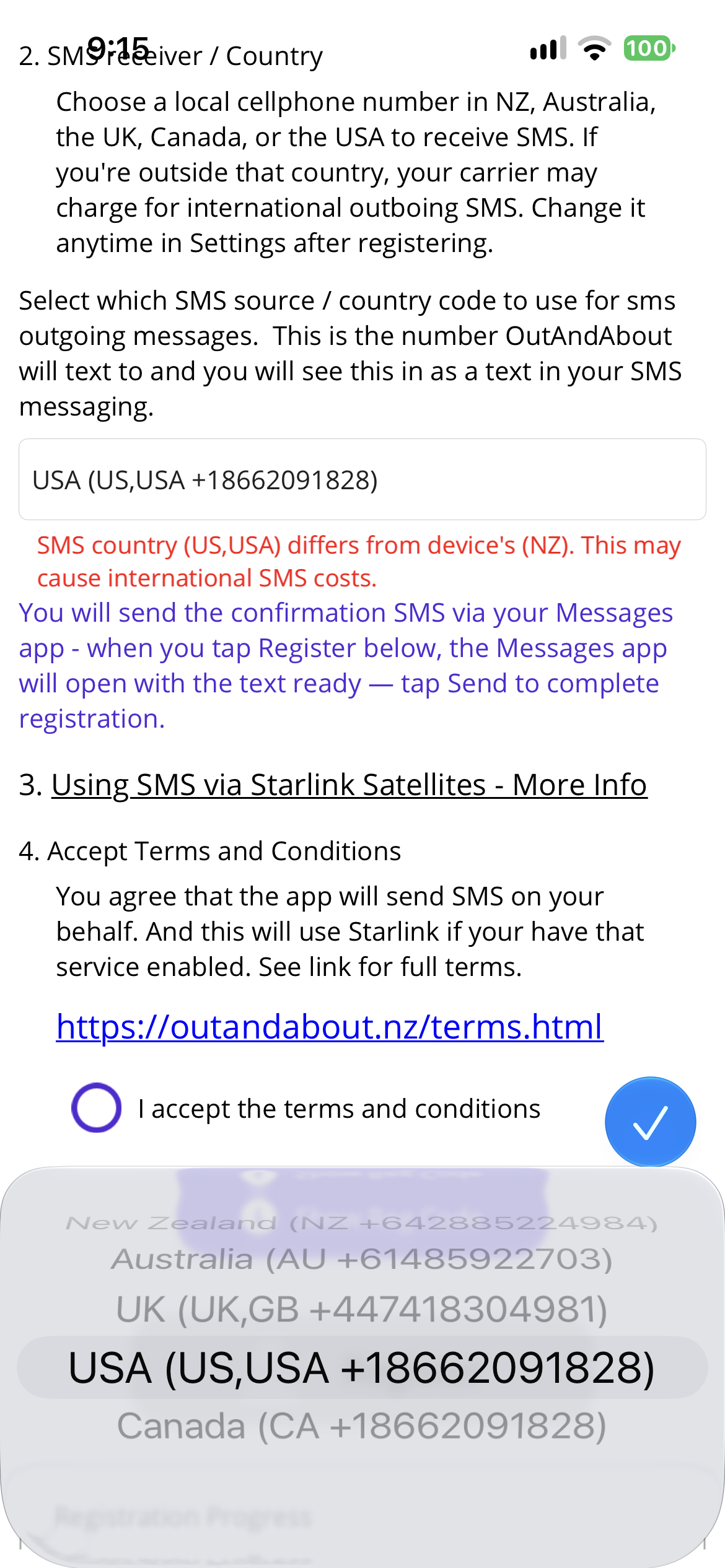
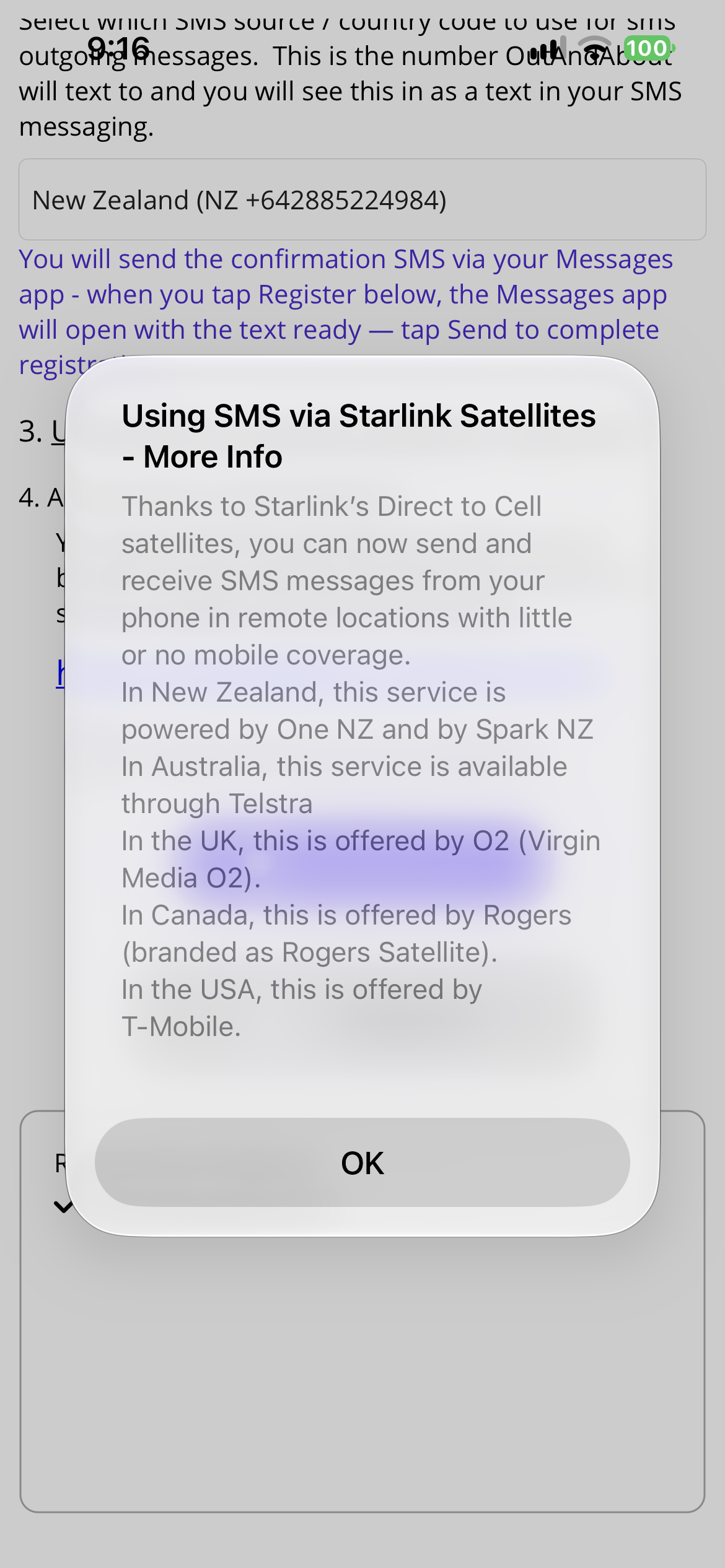
If you have Starlink you can be sending your location by SMS while you are off the grid. You never need to be off grid. Starlink is usually an extra to your normal service.

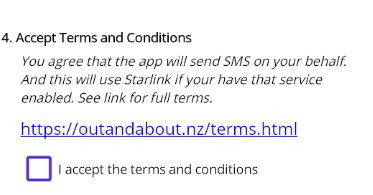
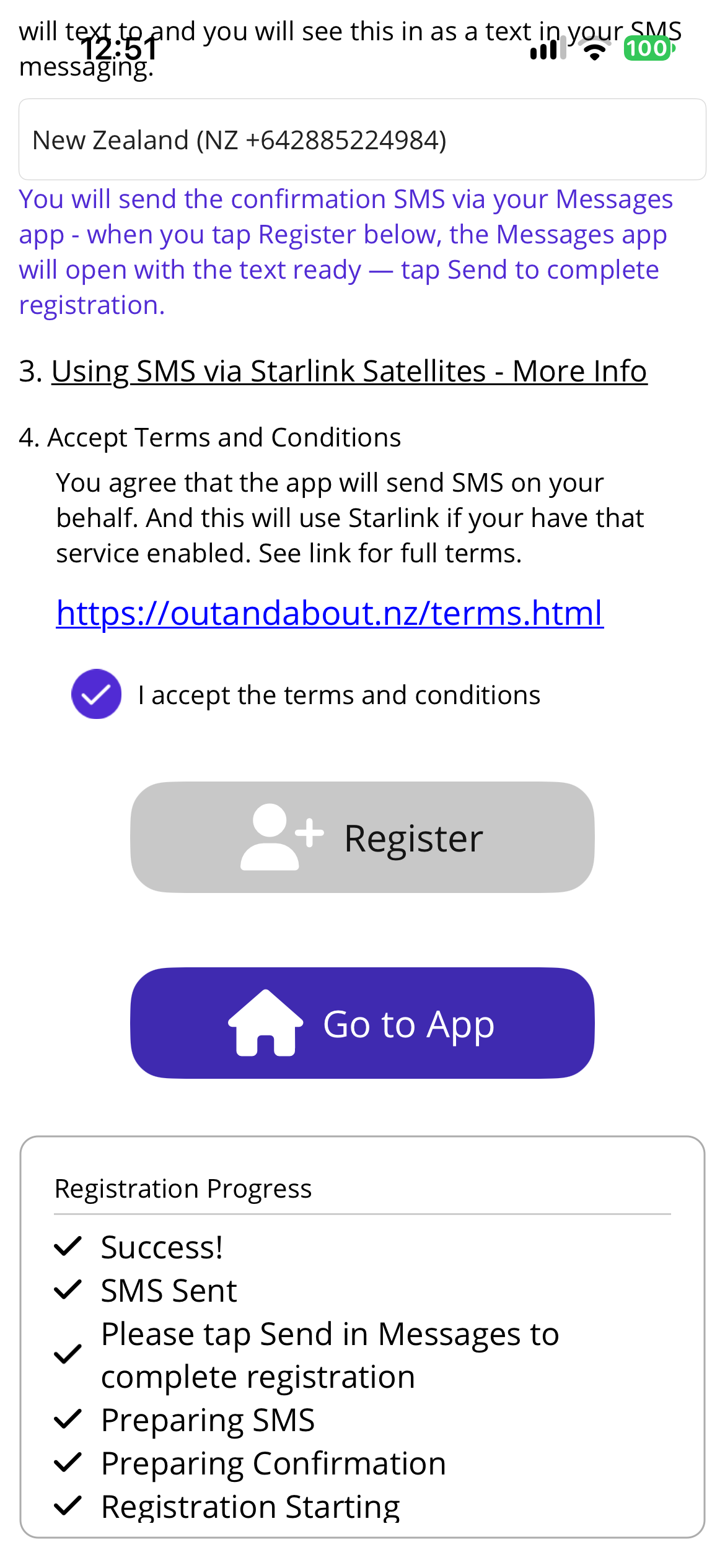
Press the 'Register' button to add yourself to Out and About.
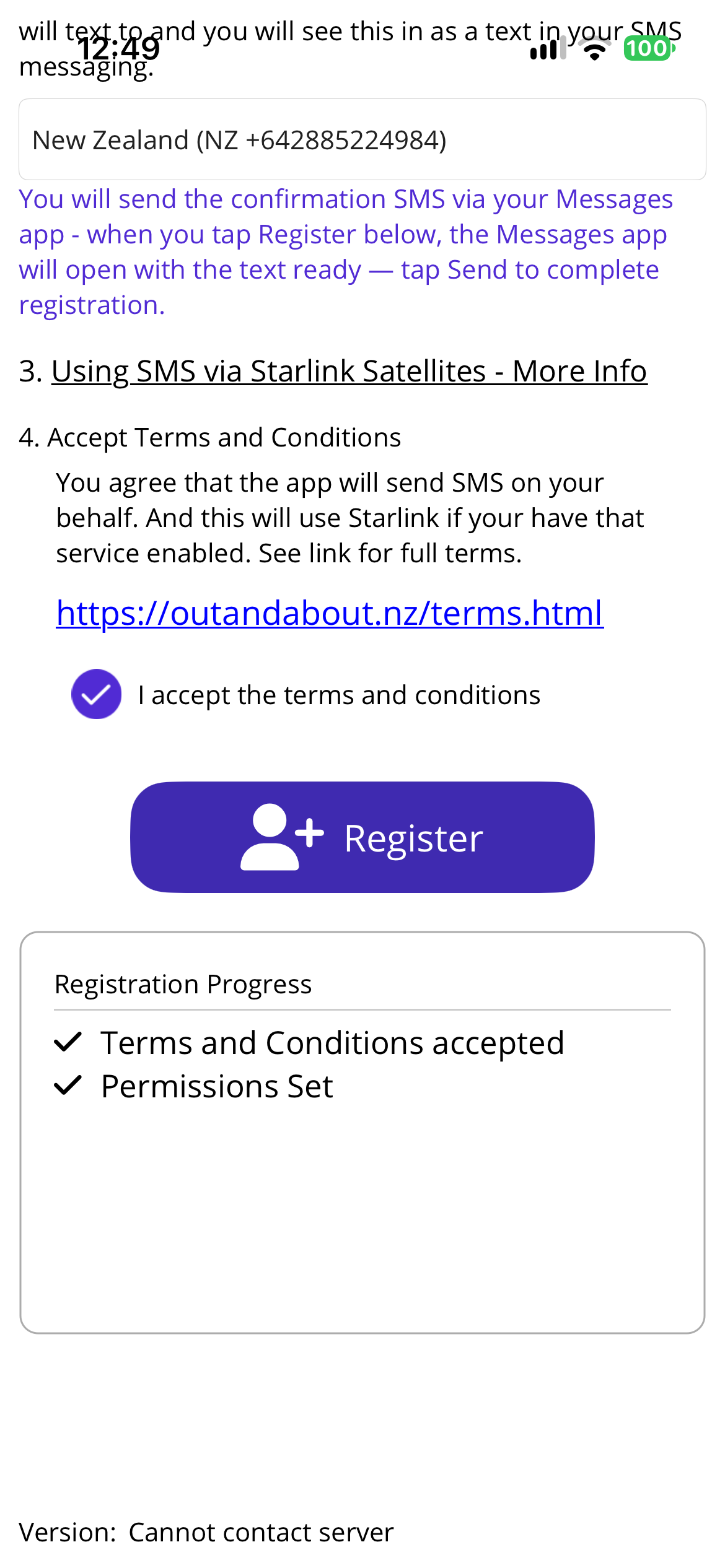
Press the 'Register' button to add yourself to Out and About.
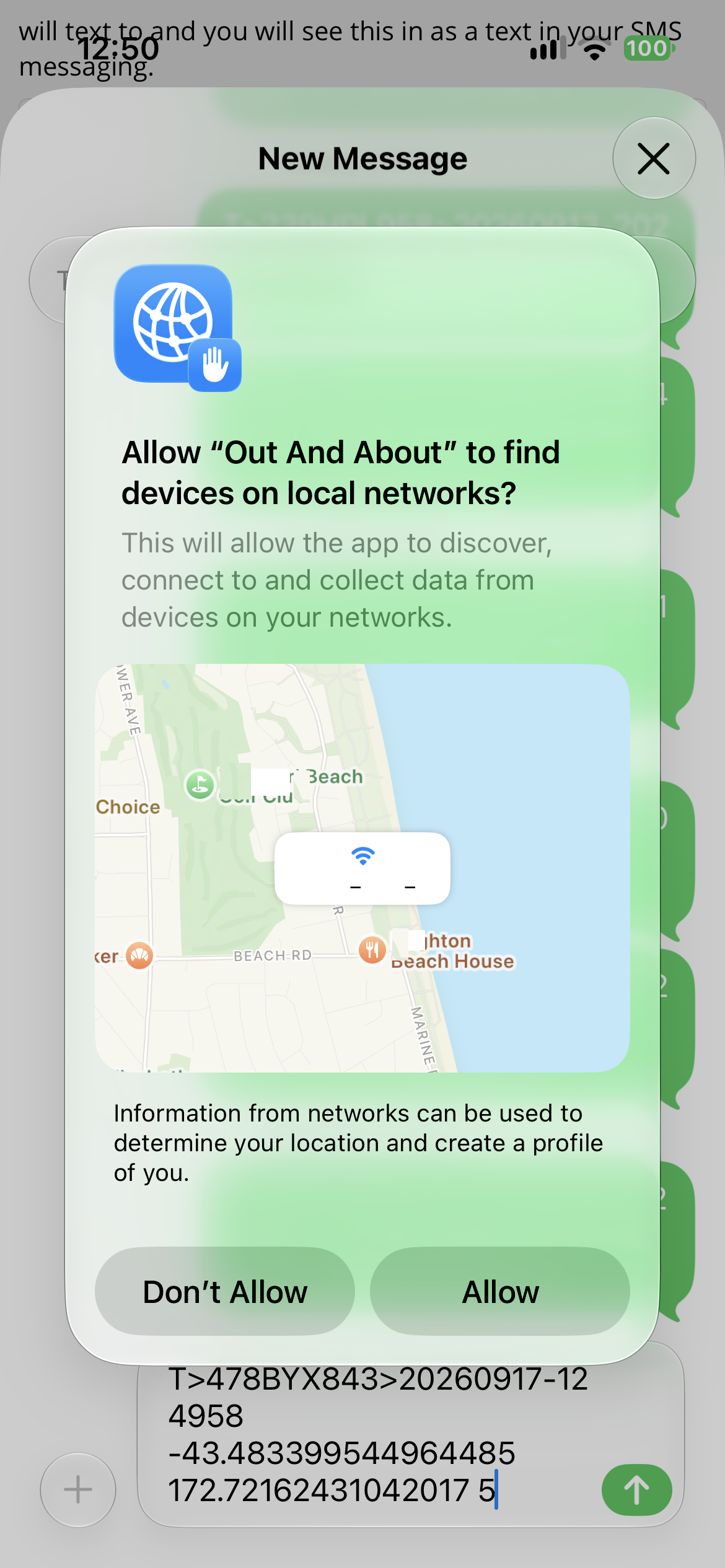
The App will send the registration request via the SMS number you have chosen above.
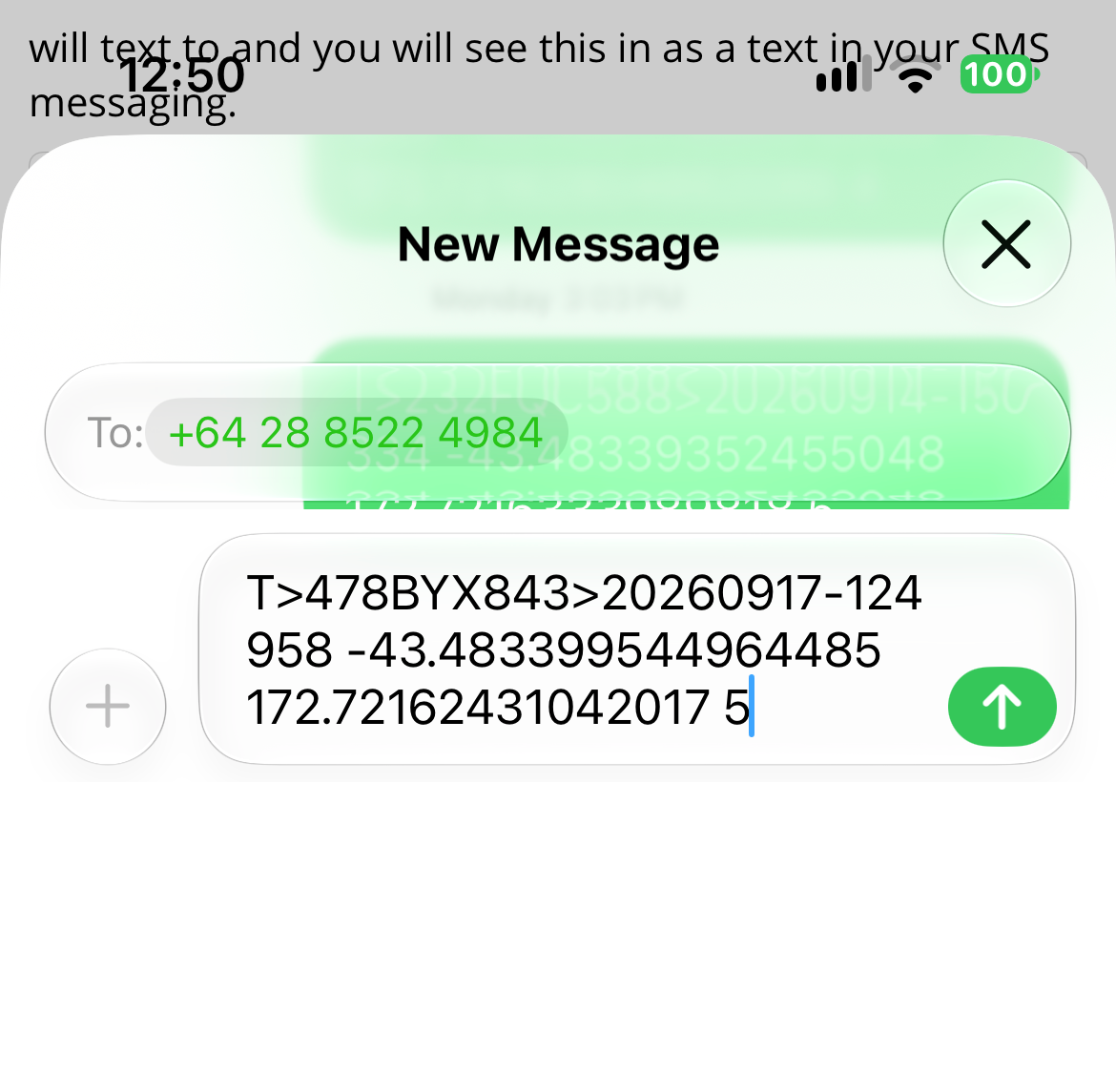
If the process succeeds you can 'Go to App'.
Troubleshooting
- Unable to send SMS to Out and About - try selecting a SMS number in your country.
- Unable to receive Confirmation. Make sure you are not in Airplane Mode.
If you need help, visit our FAQ
Get the app
Install the Android app to register and begin sharing.

Install the iOS app to register and begin sharing.

Privacy & Safety
You control who sees your location. Create ShareCodes that allow only those you want to see and the times you want. Read our Privacy Policy for details.